Photo Retouch Masterclass
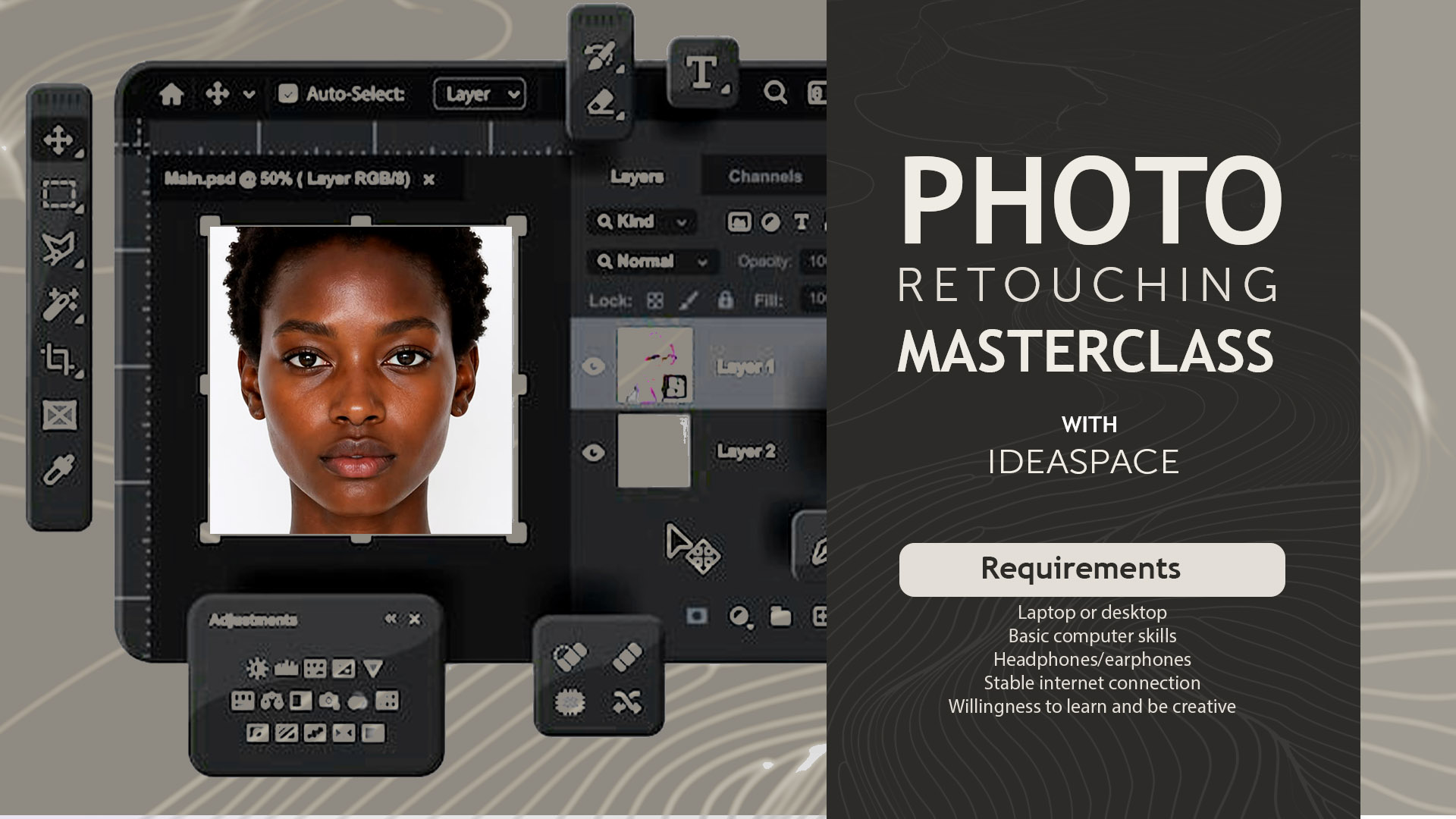
Uncategorized

What Will You Learn?

  • Master the Photoshop workspace and create an efficient retouching setup
  • Understand non-destructive editing techniques for professional workflows
  • Use layer masks confidently for precise image adjustments
  • Control brushes effectively using opacity, flow, hardness, and spacing settings
  • Perform professional image cleanup using healing, cloning, and patching tools
  • Remove unwanted objects and distractions using Photoshop AI tools
  • Retouch portraits with advanced stray hair removal techniques
  • Apply Generative Fill and Content-Aware tools for image reconstruction
  • Understand and implement professional frequency separation workflows
  • Separate skin texture and color for high-end beauty retouching
  • Smooth skin naturally using the Mixer Brush technique
  • Enhance facial features while maintaining realistic results
  • Master dodge and burn techniques to create depth and dimension
  • Improve eyes, teeth, lips, and makeup details professionally
  • Apply professional color grading techniques for polished images
  • Use Camera Raw Filter for advanced image enhancement
  • Sharpen images selectively without sacrificing image quality
  • Create and use custom Photoshop actions to automate repetitive tasks
  • Generate and apply custom LUTs for consistent color grading
  • Export images correctly for social media, web, and print delivery

Course Content

Introduction To The Course

Module 1: Photoshop Workspace & Professional Setup

Module 2: Layers, Masks & Brush Fundamentals

Module 3: Navigation, Cropping & Image Cleanup

Module 4: AI-Powered Retouching & Image Reconstruction

Module 5: Frequency Separation Mastery

Module 6: Skin Retouching with the Mixer Brush

Module 7: Dodge & Burn Retouching

Module 8: Beauty Enhancement Techniques

Module 9: Color Grading & Final Image Polish

Module 10: Exporting, Automation & Workflow Optimization

Final Module: Course Wrap Up

Student Ratings & Reviews

No Review Yet

No Review Yet